You hold the keys
Private keys and recovery phrases never enter this interface.
01
Checking for an installed Electroneum | Smart Chain Wallet application.
The desktop application may not be installed or may be out of date. Download the latest verified version, install it and try again.
Please try again…Download the application only from this website. An installer never needs your recovery phrase or private key.View ETN, receive assets and prepare transactions through a premium non-custodial interface. Your external wallet keeps the keys — always.
Checking for an installed Electroneum | Smart Chain Wallet application.
The desktop application may not be installed or may be out of date. Download the latest verified version, install it and try again.
Please try again…Download the application only from this website. An installer never needs your recovery phrase or private key.
 Current networkElectroneumOnline
Live ETN balance
Every interaction is designed around explicit consent, transparent data and control that stays with you.
Private keys and recovery phrases never enter this interface.
01Nothing is signed or submitted without your explicit wallet confirmation.
02Review the address, amount, network and estimated fee before signing.
03No wallet addresses, balances or transaction details are sent to analytics.
04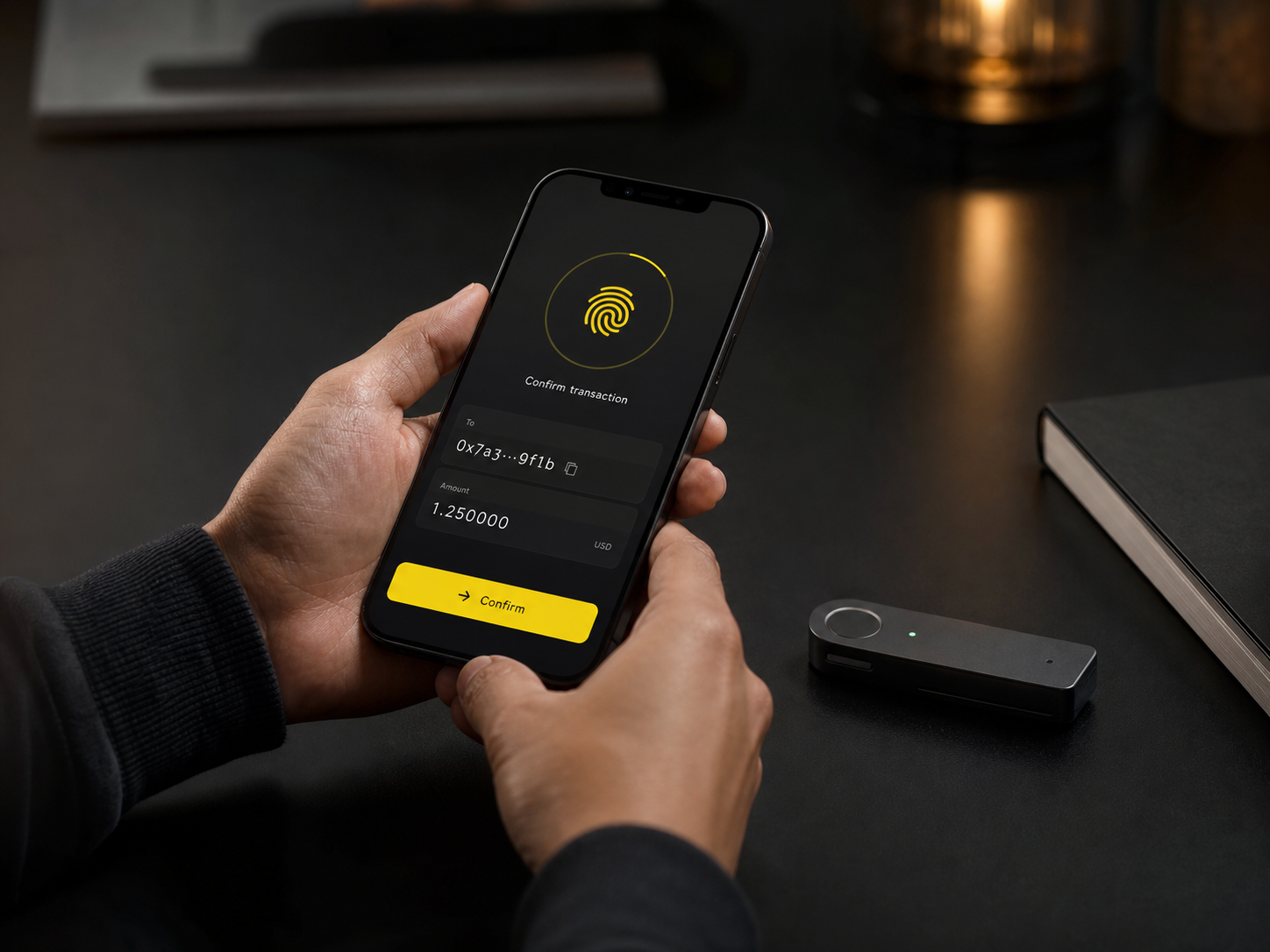
Electroneum | Smart Chain Wallet is an interface, not a custodian. Cryptographic signing happens only inside the external wallet you already trust.
Choose MetaMask, Rabby, Trust Wallet or WalletConnect.
See live network data and verify every transaction parameter.
Approve inside your external wallet and track the on-chain receipt.
Use an EVM-compatible browser wallet, mobile wallet or supported hardware integration.
Install the companion interface for Windows, macOS or Linux. The same non-custodial security model applies.
Download walletNo. It is an independent interface compatible with Electroneum Smart Chain and is not endorsed by Electroneum Ltd.
They remain inside your external wallet. This interface never receives or stores them.
No. A connection only shares your public address and current network. Signing is requested only for a transaction you explicitly prepare.
Generally, no. Always verify the network, full recipient address, amount and fee before confirming.
Electroneum Smart Chain network fees are paid in ETN and are shown as an estimate before confirmation.
Connect an external wallet and start exploring the Smart Chain.
Checking for an installed Electroneum | Smart Chain Wallet application.
The desktop application may not be installed or may be out of date. Download the latest verified version, install it and try again.
Please try again…Download the application only from this website. An installer never needs your recovery phrase or private key.